> ## Documentation Index
> Fetch the complete documentation index at: https://subframe-59800133-claude-lucid-mccarthy-s1p4yh.mintlify.site/llms.txt
> Use this file to discover all available pages before exploring further.
# Quick actions
> Set properties and take actions on elements.
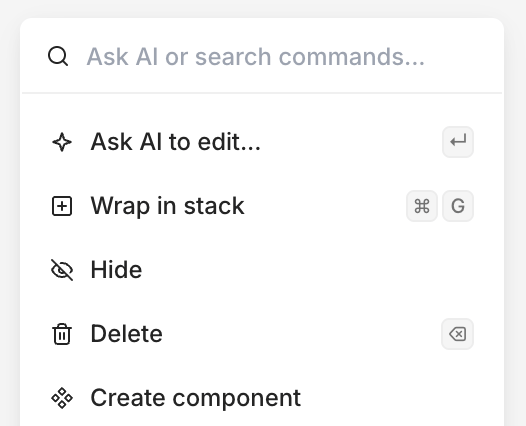 Quick actions let you set properties and take actions like [quick edit with AI](/learn/ask-ai/making-quick-edits), [create components](/learn/components/overview), or [create snippets](/learn/snippets/snippets).
1. Right-click or press /
2. Select an action
Quick actions let you set properties and take actions like [quick edit with AI](/learn/ask-ai/making-quick-edits), [create components](/learn/components/overview), or [create snippets](/learn/snippets/snippets).
1. Right-click or press /
2. Select an action